Unlocking Ease with StageKeep Presets
Stuck on a formation idea? Don’t worry – we’ve got you covered with our comprehensive preset library!
Follow these simple steps:
- Navigate to the formation you want to create a preset for.
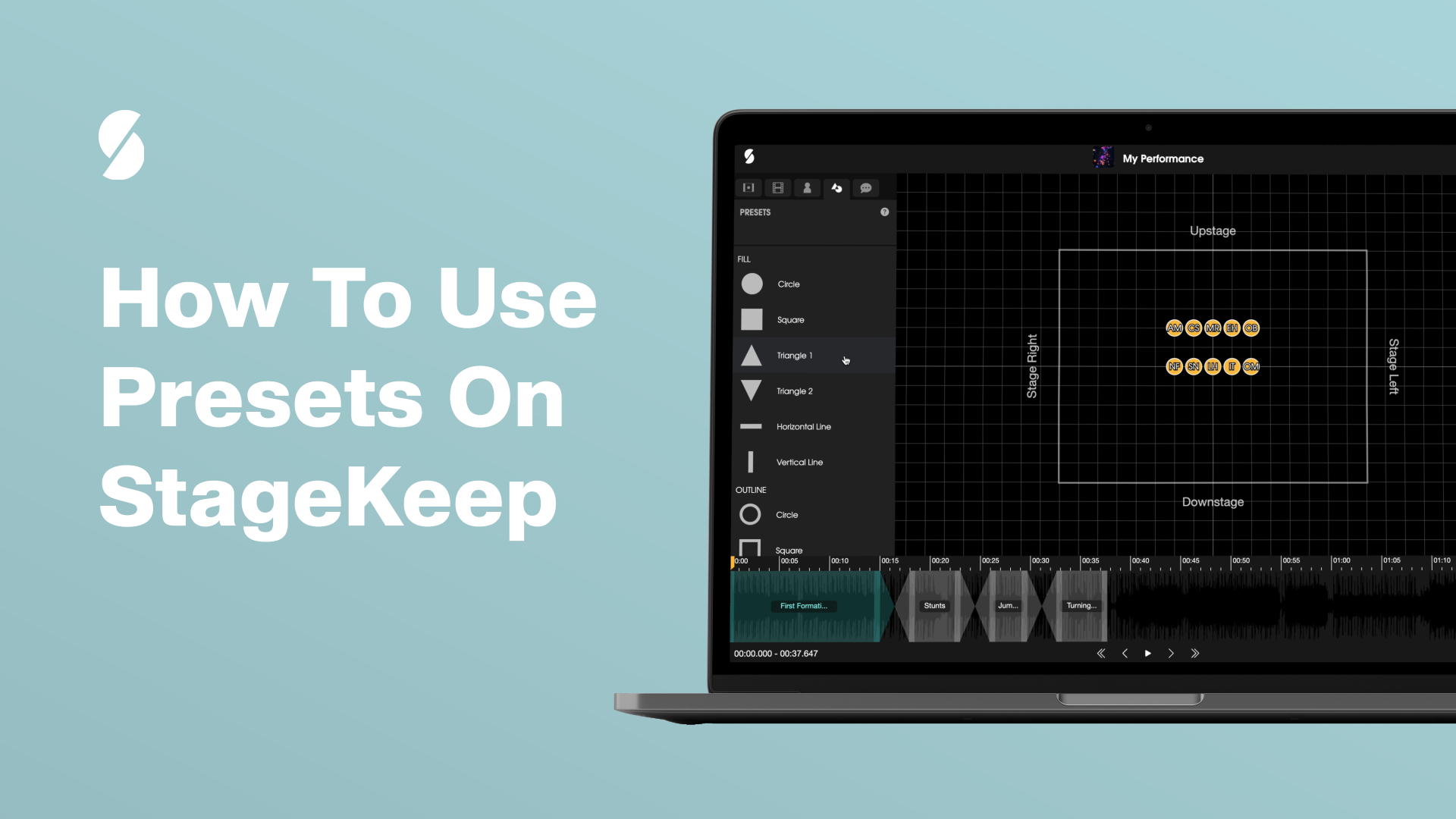
- Select your performers and head to the “Presets” tab, located next to the “Message” tab.
- Explore a myriad of creative presets, ranging from circles and triangles to horizontal lines and outlines, each designed to elevate your performance.
- Choose the preset that suits your vision, click, and voilà – you’re done!