Overcome Personalization: A Step-by-Step Guide to Customizing Performer Colors and Shapes on StageKeep
Easily organize all your performers for any performance. You can simplify your performance planning on StageKeep by customizing performer shapes, colors, and names and separate them by group. Precision at your fingertips!
Follow these simple steps:
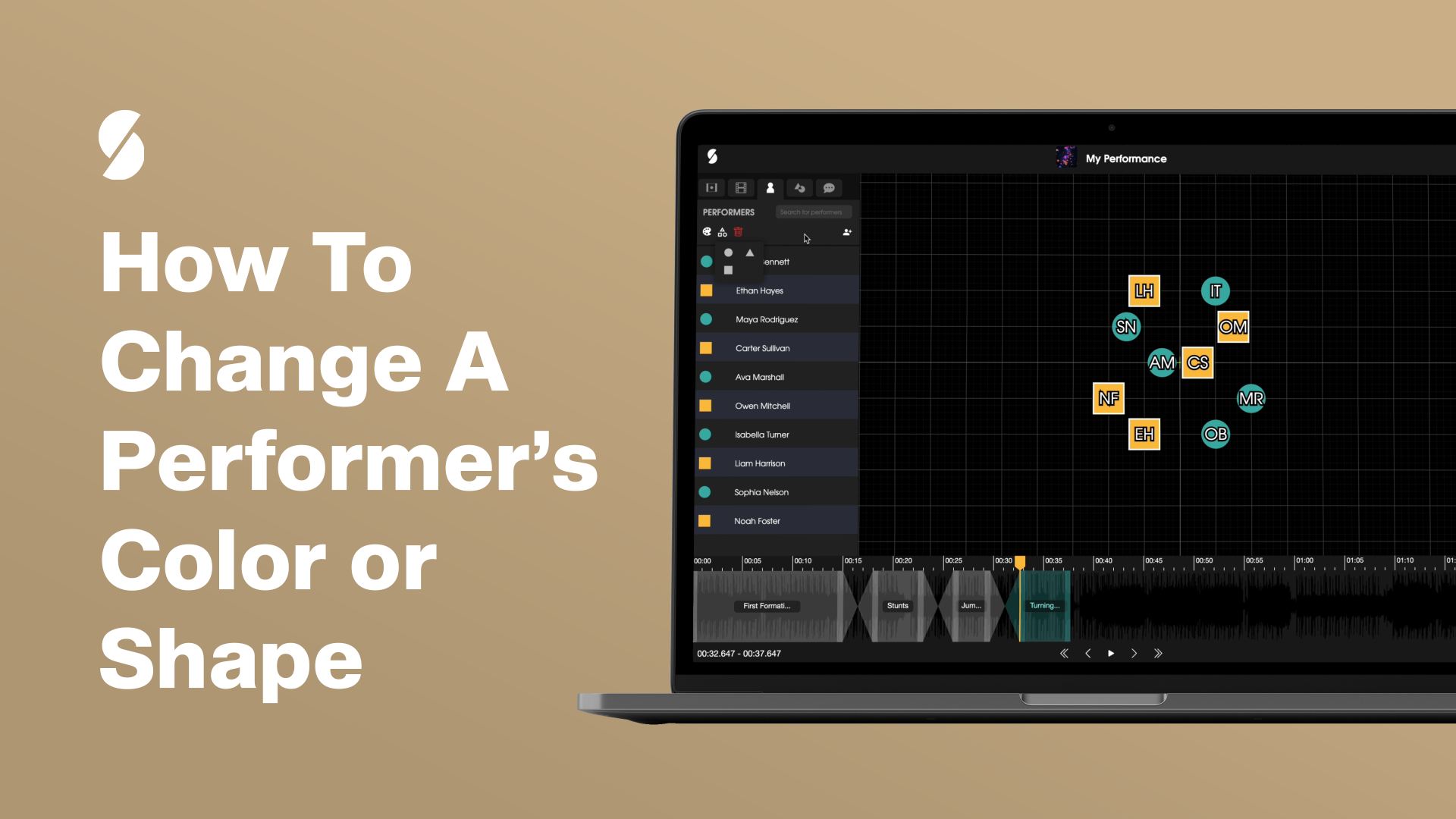
- Navigate to the “Performers” tab at the upper left corner of the page to see all your performers.
- Click on the specific performer you wish to customize (Note: You can also select multiple performers for simultaneous changes).
- A palette and shapes button will appear beneath the ‘Performers’ tab. Choose your desired color by clicking the palette, and if you wish to modify the performer’s shape, select the shapes button next to the palette to see the shapes options.
- To replicate these changes for other performers, simply follow steps 2-3.