Mastering Your Dance Performance: Creating formations with StageKeep
For any performance, from cheerleading, dance, live performance TV, you name it, StageKeep empowers you to craft your formations effortlessly, anytime, anywhere in the world. Witness the magic unfold with just a simple click of a button, as StageKeep revolutionizes the way you bring your artistic vision to life! Dance formations, cheer formations, blocking or anything with movement, we have you covered.
Crafting stunning formations has never been simpler! Follow these step-by-step instructions on how to create formations on StageKeep and bring your vision to life:
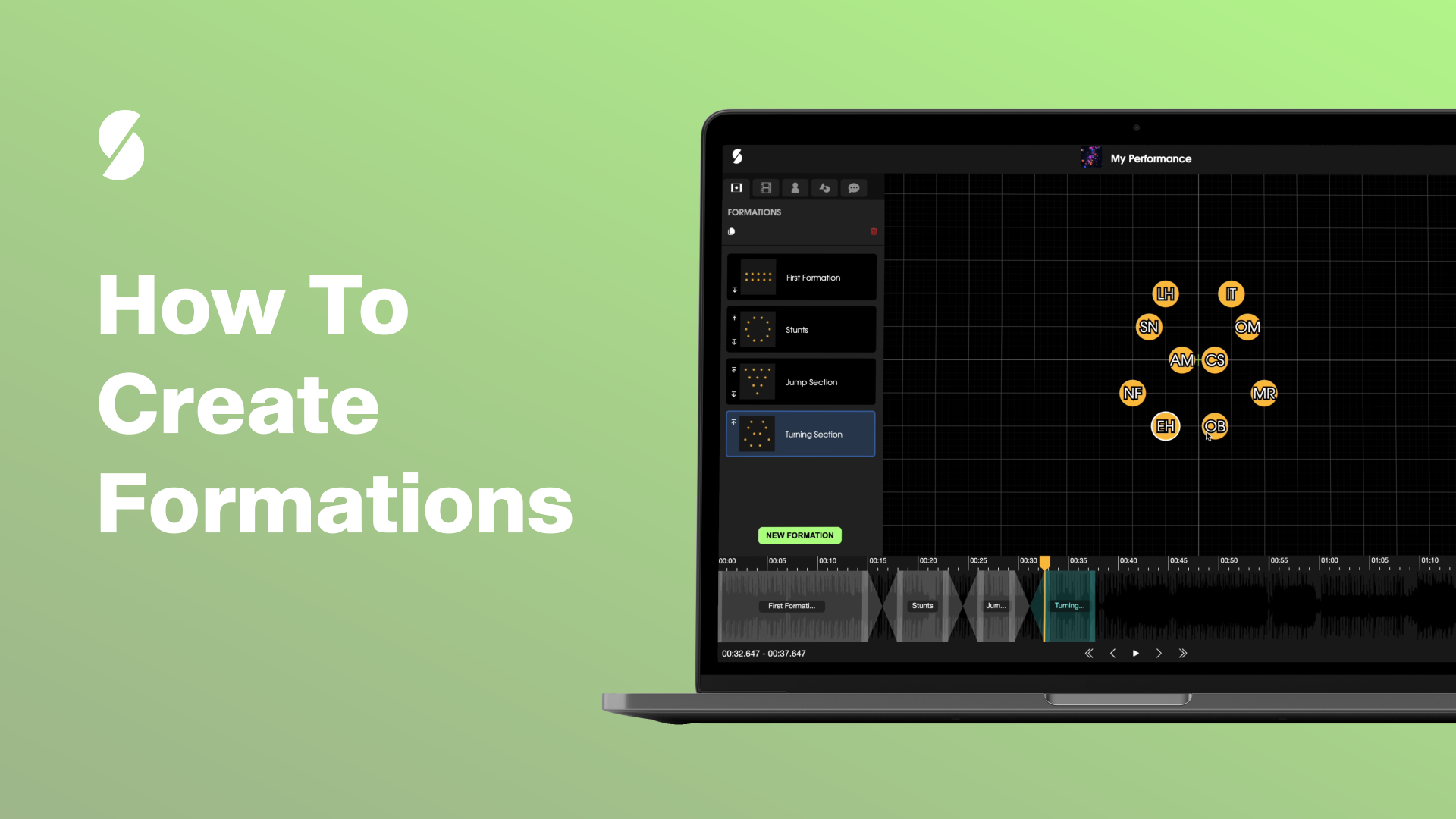
- Click on the “Formations” tab located at the top left corner of your performance interface.
- Once in the “Formations” tab, the “New Formation” button will appear. Click that to create a new formation and timeline,displayed on the left sidebar.
- Keep your plan crystal clear and organized by customizing the name of each formation.
- Go to the grid, where you can move each performer’s position within the formation. Whether adjusting one performer at a time or orchestrating a synchronized movement with multiple performers, StageKeep gives you the power to fine-tune every detail.
- Utilize the playback feature to witness your formations coming to life, ensuring every move aligns perfectly with your artistic vision.